
Questions & Answers
Public Questions & Answers
The Conversation Around Comset
These pages turn the business source material into practical answers, comparisons, visual examples and confirmation points for people researching this business.
The router is the brains of the connection. It holds the SIM, manages the network and provides the local interfaces such as Ethernet, Wi-Fi, VPN, serial or GPIO. The antenna is there to help the router hear and transmit the mobile signal more effectively. A weak connection can be caused by either side: the router may not suit the job, or the router may be fine but the antenna position, cable length or carrier choice may be wrong. That is why Comset normal…
Comset Supply Support Warranty and Resellers · 2026-07-11 Which availability, warranty, return and support details should always be reconfirmed before an order is placed?Confirm that the exact model and accessories are available, current and suitable for the intended carrier. Recheck price, lead time, included power supply and antennas, firmware, warranty period, return conditions, restocking or inspection fees, shipping terms and who pays freight. Ask what technical support is included, whether configuration services are available and how discontinued products are handled. Policies and stock can change, and the scraped C…
Choosing an Industrial Router · 2026-07-11 What is the best Comset router for a home office or small business that keeps losing NBN?A good starting point is to think about the problem rather than chase the biggest model. If the job is mainly failover for a home office, retail counter or small business, the right answer is usually a stable 4G or 5G router that can automatically step in when the fixed service drops, then hand traffic back when the NBN returns. The important questions are whether the site needs Wi-Fi, how many wired devices must be connected, whether voice services or EFT…
 3 Q&A
Power over Ethernet Deployments
3 Q&A
Power over Ethernet Deployments
 5 Q&A
Cellular Antennas and MIMO
5 Q&A
Cellular Antennas and MIMO
 3 Q&A
Antenna Placement and Coaxial Cable Loss
3 Q&A
Antenna Placement and Coaxial Cable Loss
 12 Q&A
Cell Tower Location and Signal Testing
12 Q&A
Cell Tower Location and Signal Testing
 5 Q&A
Australian Carrier Bands and Compatibility
5 Q&A
Australian Carrier Bands and Compatibility
Provide the site location, intended carrier and SIM type, required 4G or 5G service, application, expected data use and number of connected devices. List Ethernet, Wi-Fi, serial, GPIO, relay, PoE, GPS, VPN, dual-SIM and remote-management requirements. Include power supply, operating environment, antenna position, cable length, uptime target and whether the installation is fixed, vehicle, marine or outdoor. Explain what must happen during an outage and who…
Comset Supply Support Warranty and Resellers · 2026-07-10 Where does product-selection assistance end and site-specific engineering or installation responsibility begin?Comset can explain product capabilities, compatibility and likely equipment choices based on the information provided. The installer or system designer remains responsible for verifying the actual site, electrical work, mounting, grounding, antennas, network security, control-system safety and compliance with relevant standards. Complex automation, high-voltage switching, lightning protection, regulated environments and mission-critical design may require…
Firmware Diagnostics and Troubleshooting · 2026-07-09 How can a technician separate a carrier problem, antenna problem, configuration problem and router fault?Use controlled substitution. Test the SIM in another approved device, or a known-working SIM in the router. Move the router to a known-good antenna or connect a short test antenna, and compare signal-quality readings. Verify APN and configuration against a working template. Check system uptime and power logs to identify resets. If several devices on the same carrier fail together, investigate the network; if only one site has poor RSRQ or SINR, inspect th…
 12 Q&A
Router Comparison and Model Selection
12 Q&A
Router Comparison and Model Selection
 8 Q&A
Machine-to-Machine and IoT Connectivity
8 Q&A
Machine-to-Machine and IoT Connectivity
 10 Q&A
Industrial Automation Connectivity
10 Q&A
Industrial Automation Connectivity
 3 Q&A
Building Automation Connectivity
3 Q&A
Building Automation Connectivity
 8 Q&A
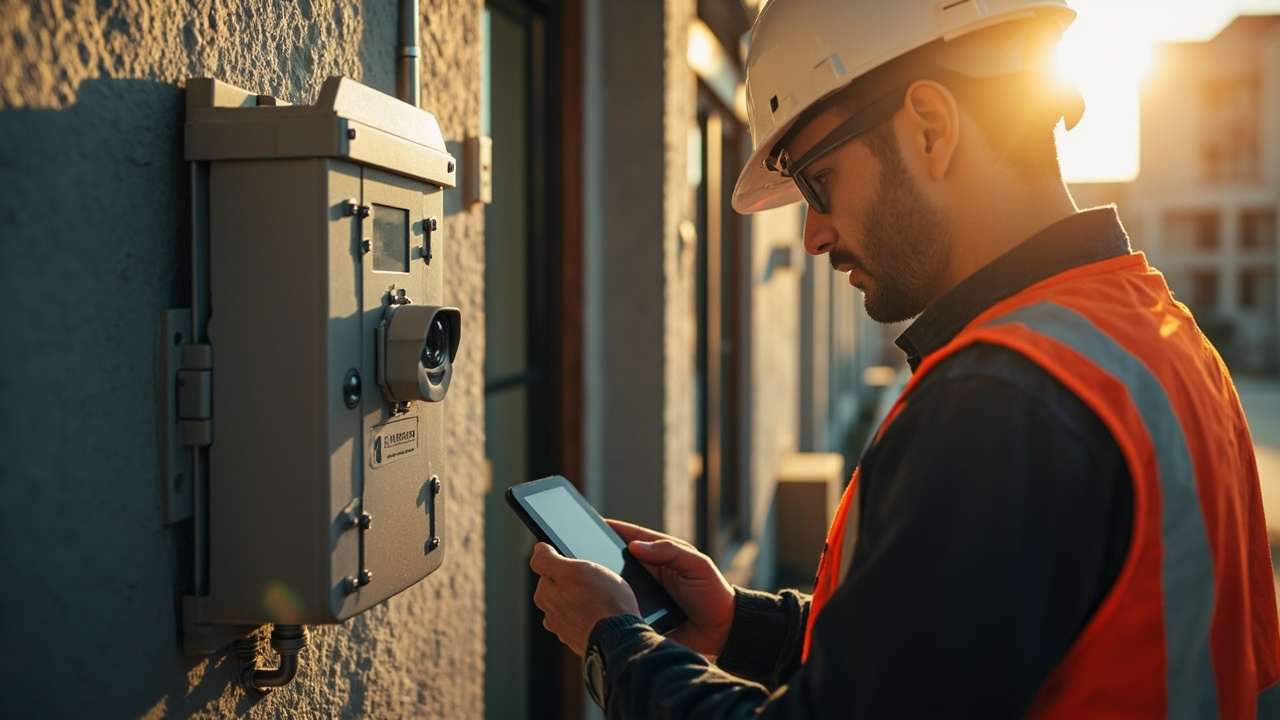
Security and Surveillance Connectivity
8 Q&A
Security and Surveillance Connectivity
Update firmware when it fixes a relevant fault, security issue, carrier compatibility problem or provides a required feature. Review release notes and test the update on a spare or non-critical unit with the same configuration before touching a remote site. Leaving a stable installation unchanged can be safer when the update offers no needed benefit and rollback or site access is difficult. That does not mean ignoring firmware indefinitely; track versions…
Firmware Diagnostics and Troubleshooting · 2026-07-08 Which logs and status readings are most useful when diagnosing an intermittent cellular connection?Collect modem registration state, serving band and cell, RSRP, RSRQ, SINR, assigned IP, APN, session uptime, disconnect reason and data counters. Router system logs should show reboots, power events, WAN health-check failures, SIM switches, VPN changes and DHCP or DNS errors. Record supply voltage and temperature where available, plus timestamps from the connected application. Compare faults with carrier outages and busy periods. One screenshot after serv…
Router Setup APN and Configuration · 2026-07-07 What SIM, PIN, plan and carrier settings should be checked before troubleshooting the router hardware?Confirm that the SIM is active, inserted in the correct orientation and size, has no unhandled PIN lock, and is provisioned for data. Check the account has allowance or credit and that the plan supports the required APN, roaming, static/public addressing or private network service. Verify the carrier has not restricted the SIM to an approved device type and that the antenna ports are correctly connected before powering the modem. Test the SIM in a known-w…
 3 Q&A
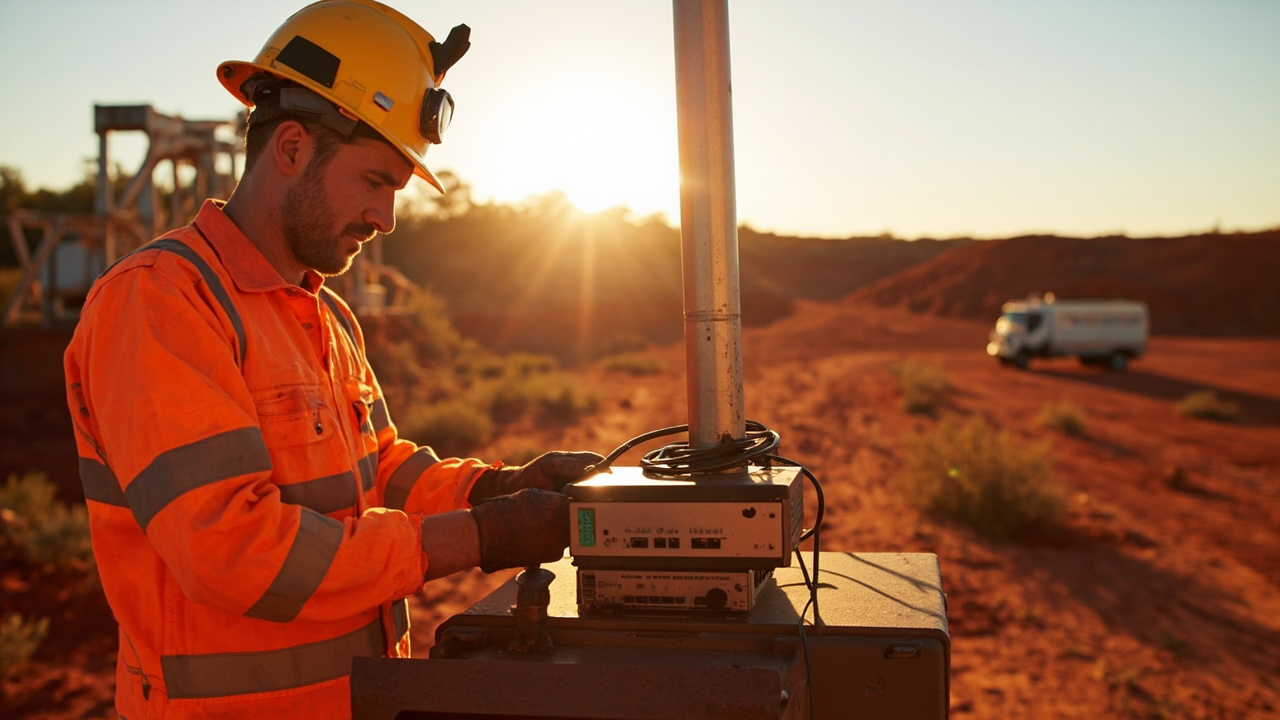
Mining Energy and Remote Sites
3 Q&A
Mining Energy and Remote Sites
 5 Q&A
Transport Fleet and Mobile Deployments
5 Q&A
Transport Fleet and Mobile Deployments
 6 Q&A
Marine and Vessel Connectivity
6 Q&A
Marine and Vessel Connectivity
 4 Q&A
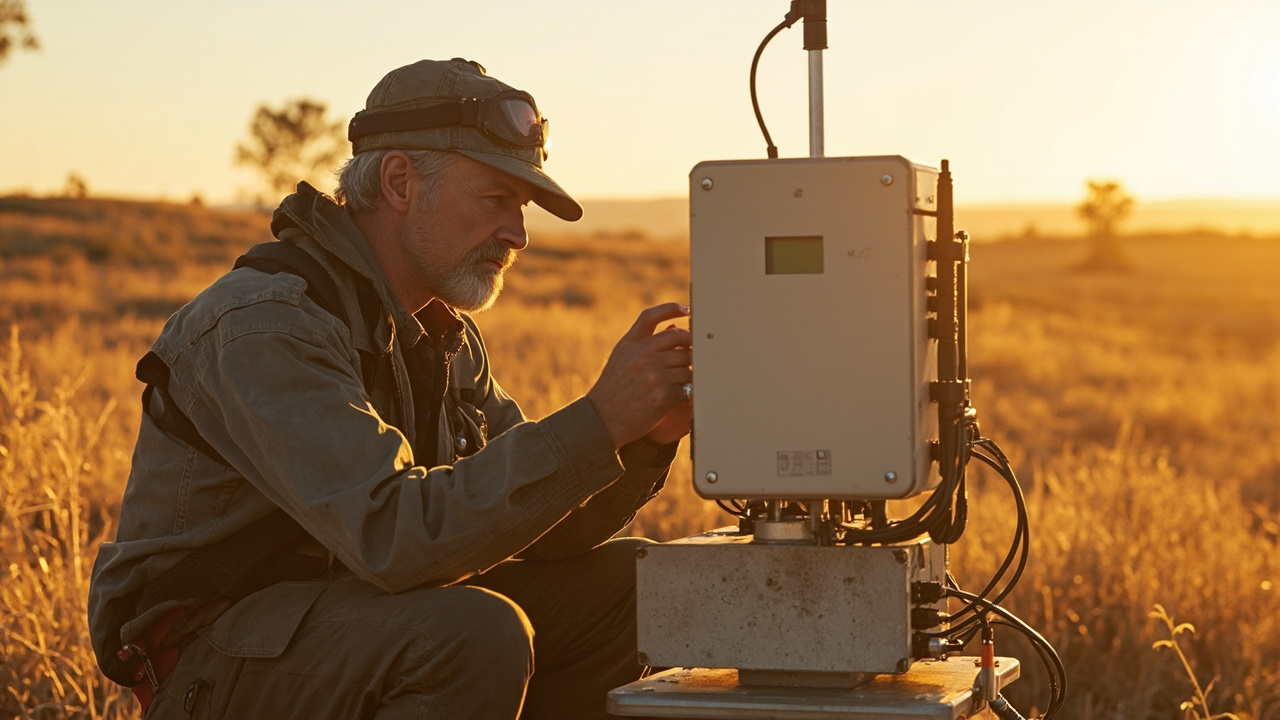
Environmental and Agricultural Monitoring
4 Q&A
Environmental and Agricultural Monitoring
 13 Q&A
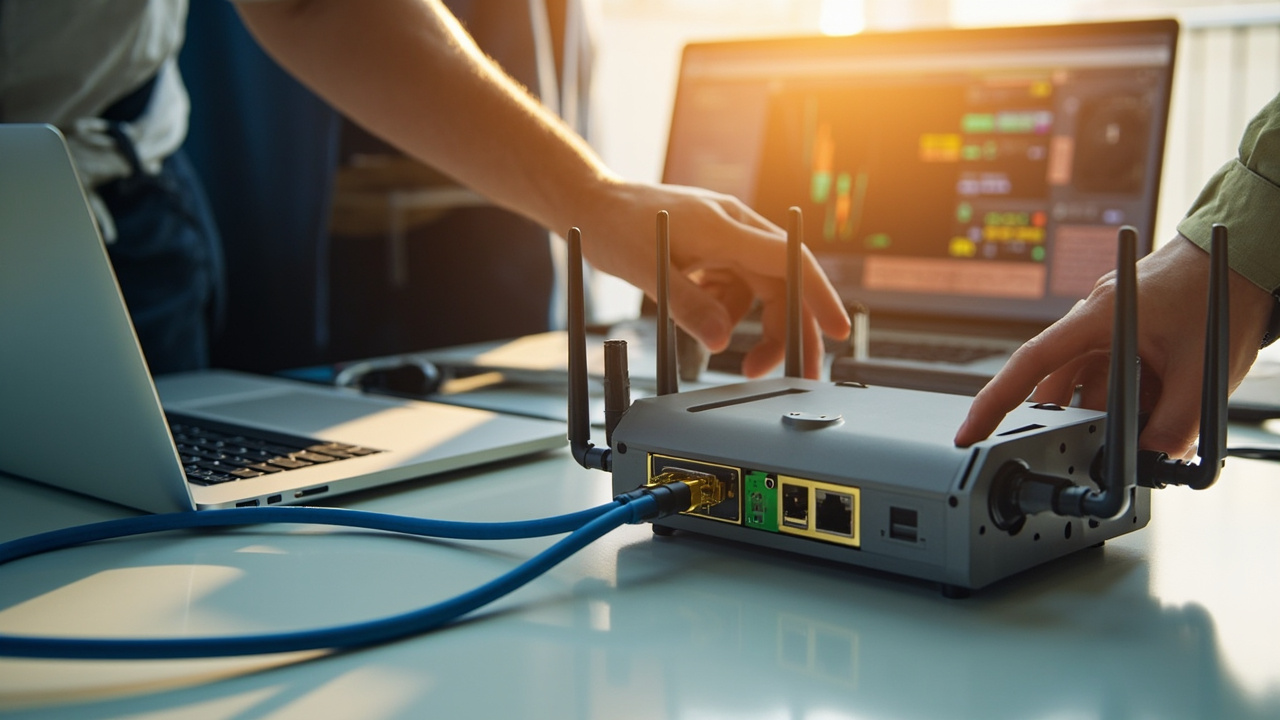
Router Setup APN and Configuration
13 Q&A
Router Setup APN and Configuration
Insert and test the intended SIM, update only to an approved firmware version, change default credentials and save a configuration backup. Configure APN, time zone, WAN failover, dual SIM, LAN addressing, DHCP, VLANs, VPNs, alerts and remote-management access as required. Connect representative equipment and test every port, antenna, digital input or relay that will be used. Simulate WAN and mobile failures, verify recovery and confirm remote access from …
Router Setup APN and Configuration · 2026-07-06 What symptoms suggest that an incorrect APN is preventing a router from connecting?An incorrect APN may produce no data connection even though the router detects the SIM and shows mobile signal. The status page may show registration but no assigned IP address, repeated connection attempts, authentication errors or a connection that cannot reach the internet or private service. Check the carrier’s exact APN, username, password, authentication type and whether the SIM is intended for a public, corporate or private service. Remove accident…
Environmental and Agricultural Monitoring · 2026-07-05 What connection strategy suits sensors that send small amounts of data but must operate unattended for long periods?Low-volume unattended sensors often suit a stable 4G Cat 1 or Cat 4 connection rather than high-capacity 5G. Important features are network coverage, low power use, automatic reconnection, appropriate serial or Ethernet interfaces, secure outbound communication and remote diagnostics. Batch readings, acknowledge successful delivery and store data locally during outages. Select a SIM plan for the real message volume plus management overhead. Although 3G re…
 8 Q&A
Firmware Diagnostics and Troubleshooting
8 Q&A
Firmware Diagnostics and Troubleshooting
 12 Q&A
Comset Supply Support Warranty and Resellers
12 Q&A
Comset Supply Support Warranty and Resellers
 14 Q&A
Choosing an Industrial Router
14 Q&A
Choosing an Industrial Router
 8 Q&A
5G Industrial Routers
8 Q&A
5G Industrial Routers
 19 Q&A
4G LTE and 4GX Routers
19 Q&A
4G LTE and 4GX Routers
The enclosure must prevent water, dust, insects and condensation while still allowing safe access to the SIM, terminals and indicators. Use suitable glands, drip loops, breathable vents or controlled desiccation where appropriate, and place the equipment above flood, irrigation and animal-damage risks. A sealed box in direct sun can overheat, while frequent opening can damage seals. Design a service procedure and leave enough cable length and labelling fo…
Marine and Vessel Connectivity · 2026-07-04 How can shore Wi-Fi and cellular services be combined without creating a complicated system for the crew?Use the router’s multi-WAN features to prefer shore Wi-Fi when it is trusted and usable, then fall back to cellular automatically. Present one stable onboard LAN or Wi-Fi network to the crew so their devices do not need to change connection every time the vessel moves. Apply health checks and sensible failback delays because marina Wi-Fi may remain connected while providing poor internet. Isolate untrusted shore networks from onboard equipment, and manage…
Environmental and Agricultural Monitoring · 2026-07-04 How can a solar-powered monitoring site minimise router energy use without sacrificing reliable reporting?Choose a router with low idle consumption or controllable power states, and calculate the full energy budget for the router, modem, sensors, battery losses and winter solar conditions. The system can wake on a schedule, collect data, transmit in batches and return to a low-power state where the application permits. Avoid excessively frequent connection cycles if network registration consumes more energy than remaining connected. Use strong antenna placeme…
 10 Q&A
Dual SIM and Carrier Redundancy
10 Q&A
Dual SIM and Carrier Redundancy
 3 Q&A
Outdoor Routers and Harsh Environments
3 Q&A
Outdoor Routers and Harsh Environments
 11 Q&A
Cellular Backup for NBN and Fixed WAN
11 Q&A
Cellular Backup for NBN and Fixed WAN
 3 Q&A
Load Balancing and Multi-WAN
3 Q&A
Load Balancing and Multi-WAN
 10 Q&A
Wi-Fi Ethernet and LAN Design
10 Q&A
Wi-Fi Ethernet and LAN Design
Salt, moisture and dissimilar metals accelerate corrosion, so connectors, mounts, cable entries and enclosures must be selected and sealed for the marine environment. The vessel’s metal structure can shield or reflect signals; even fibreglass structures, equipment and tinted glass can affect antenna performance. Mount cellular antennas with suitable separation and a clear view, while keeping coaxial runs short. Allow safe service access and protect equipm…
Marine and Vessel Connectivity · 2026-07-03 How far offshore can a vessel reasonably expect terrestrial mobile coverage to remain usable?There is no fixed offshore distance. Coverage depends on coastal tower height, frequency, terrain, antenna height on the vessel, weather, network configuration and whether another landmass provides service. Mobile networks are designed primarily for land coverage, so maps may not represent marine performance. A good external antenna and elevated position can extend usable service in some areas, but it should not be treated as a safety or guaranteed offsho…
Transport Fleet and Mobile Deployments · 2026-07-02 What should a mobile deployment expect when it moves between towers, carriers or areas with no coverage?The modem should hand over between cells as coverage changes, but sessions may pause or reset. Crossing carrier boundaries requires a dual-SIM or roaming strategy; it is not the same as ordinary tower handover. In no-coverage areas, the router should keep local services operating, buffer data and reconnect automatically when a usable network returns. Applications need retry logic and should not assume a fixed public IP. Track outages and signal history to…