
Conversation Topic
Firmware Diagnostics and Troubleshooting
Record the symptoms, model, firmware, signal and network state before changing settings or replacing equipment.
Useful questions, comparisons, examples and next-step checks around Firmware Diagnostics and Troubleshooting.

Questions & Answers
Answers About Firmware Diagnostics and Troubleshooting
These answers organise the topic into practical checks, comparisons and useful research notes.
Start with a quick, controlled triage: verify the router is registered on the expected carrier and band, and capture current RSRP, RSRQ and SINR along with the serving cell ID. Then compare performance using a known-good antenna or a different router on the same SIM to see if the problem follows the hardware or the radio path. Review WAN health-check results, recent reboots, VPN status, and logs for errors. Do a short speed test at several times of day to …
2026-09-14 What’s the simplest way to export time-series readings from the router for sharing?Collect time-aligned readings: RSRP, RSRQ, SINR, current serving band and cell ID, registration state, and the assigned IP; note data counters and the exact timestamp. Also capture WAN health-check results, last reboot time, power events and SIM switch events, plus any error messages. Export to CSV or use the router’s export function and share the file with Comset so we can tell whether the issue is radio quality, antenna path, or configuration.
2026-08-25 What exact readings should I collect to pinpoint the issue?Start by collecting time-series modem readings: RSRP, RSRQ, SINR, current serving band and cell ID, registration state, the assigned IP, and data counters (bytes in/out). Note the exact time and which carrier/SIM you’re using, plus any disconnect reasons shown by the router. Also grab router-side diagnostics: WAN health-check results, last reboot time, power events, SIM switch events, VPN or remote-access status, and any error messages in the system logs. …
 14 Q&A
Choosing an Industrial Router
14 Q&A
Choosing an Industrial Router
 8 Q&A
5G Industrial Routers
8 Q&A
5G Industrial Routers
 19 Q&A
4G LTE and 4GX Routers
19 Q&A
4G LTE and 4GX Routers
 10 Q&A
Dual SIM and Carrier Redundancy
10 Q&A
Dual SIM and Carrier Redundancy
 3 Q&A
Outdoor Routers and Harsh Environments
3 Q&A
Outdoor Routers and Harsh Environments
Treat it as a process of elimination. Compare performance at different times, look at signal-quality figures rather than only signal strength, check whether the problem improves with a different antenna position or carrier, and review whether the router’s own hardware and configuration suit the load. A single speed test number never tells the full story. Comset can assist by breaking the problem into layers: carrier environment, antenna system, router cap…
2026-08-01 My router disconnects around the same time every day. Where should I start looking?Start by checking whether the event lines up with something external, such as scheduled power switching, network congestion, data-plan behaviour, a reboot schedule or environmental heat. Daily repeatability often points to a pattern rather than to a random hardware failure. Router logs, signal trends and management alerts are useful because they give the timing context. Comset can help narrow that down if the symptoms are described clearly. The best troub…
2026-07-09 How can a technician separate a carrier problem, antenna problem, configuration problem and router fault?Use controlled substitution. Test the SIM in another approved device, or a known-working SIM in the router. Move the router to a known-good antenna or connect a short test antenna, and compare signal-quality readings. Verify APN and configuration against a working template. Check system uptime and power logs to identify resets. If several devices on the same carrier fail together, investigate the network; if only one site has poor RSRQ or SINR, inspect th…
 11 Q&A
Cellular Backup for NBN and Fixed WAN
11 Q&A
Cellular Backup for NBN and Fixed WAN
 3 Q&A
Load Balancing and Multi-WAN
3 Q&A
Load Balancing and Multi-WAN
 10 Q&A
Wi-Fi Ethernet and LAN Design
10 Q&A
Wi-Fi Ethernet and LAN Design
 6 Q&A
VPN Security and Private Connectivity
6 Q&A
VPN Security and Private Connectivity
 3 Q&A
Secure Remote Access Without Public IP
3 Q&A
Secure Remote Access Without Public IP
Update firmware when it fixes a relevant fault, security issue, carrier compatibility problem or provides a required feature. Review release notes and test the update on a spare or non-critical unit with the same configuration before touching a remote site. Leaving a stable installation unchanged can be safer when the update offers no needed benefit and rollback or site access is difficult. That does not mean ignoring firmware indefinitely; track versions…
2026-07-08 Which logs and status readings are most useful when diagnosing an intermittent cellular connection?Collect modem registration state, serving band and cell, RSRP, RSRQ, SINR, assigned IP, APN, session uptime, disconnect reason and data counters. Router system logs should show reboots, power events, WAN health-check failures, SIM switches, VPN changes and DHCP or DNS errors. Record supply voltage and temperature where available, plus timestamps from the connected application. Compare faults with carrier outages and busy periods. One screenshot after serv…



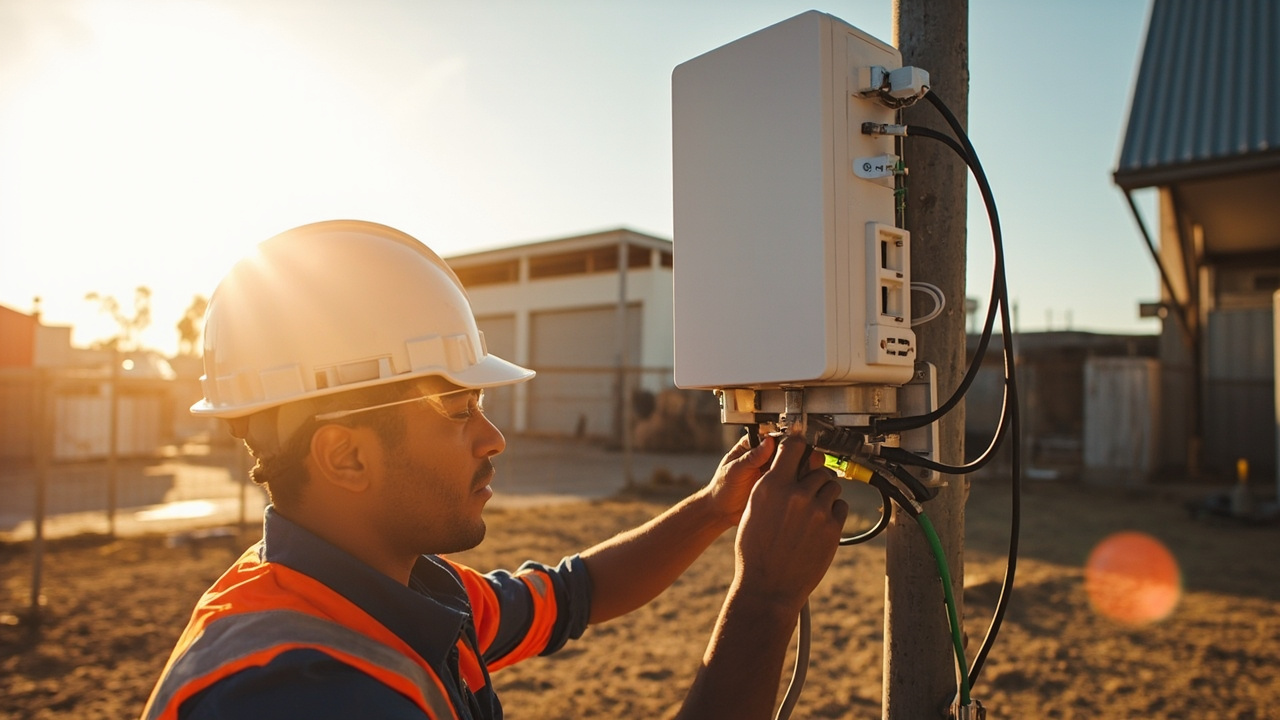
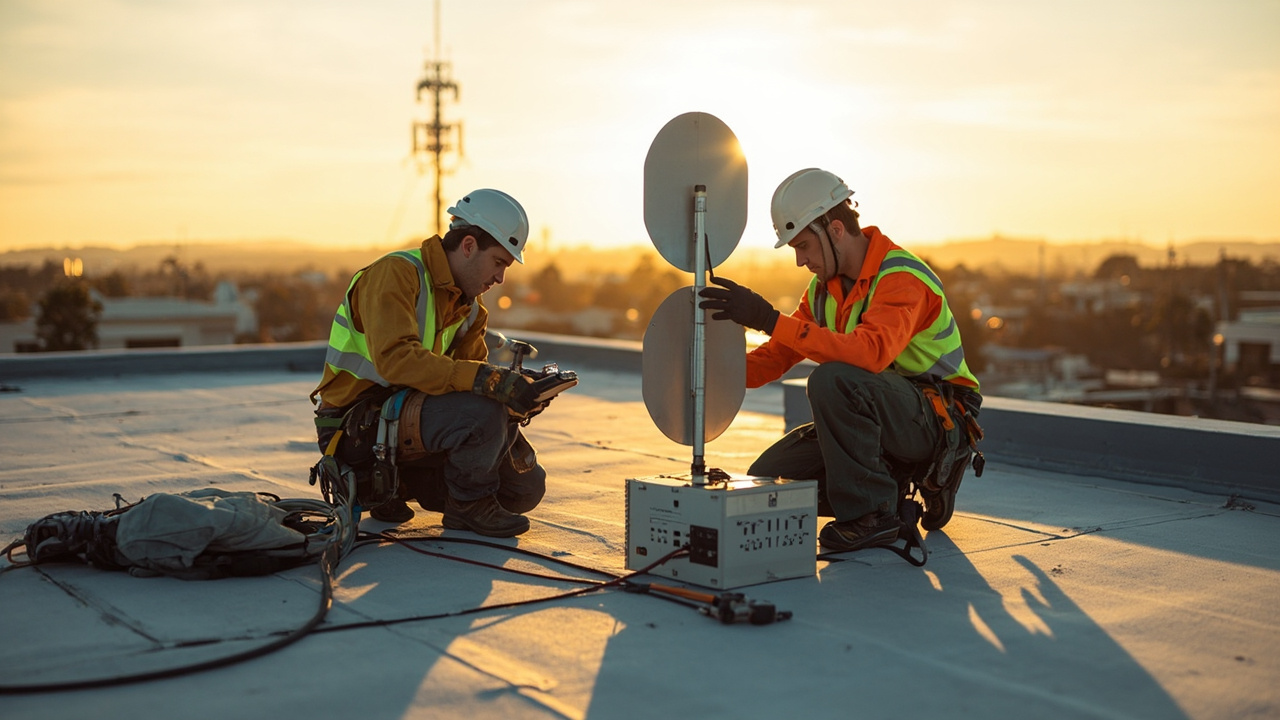
Visual Examples
Images That Support Firmware Diagnostics and Troubleshooting
A small visual sample connected to this topic.