Questions & Answers
Public Questions & Answers
The Conversation Around Comset
These pages turn the business source material into practical answers, comparisons, visual examples and confirmation points for people researching this business.
You can run with a single antenna, but follow your model’s guide for which port to use. If the router is designed for MIMO, using only one port may reduce overall performance, so check the official guidance for your exact model and antenna combination. Also keep cables and connectors from being strained and avoid bending right at the connector. If you plan to use multiple antennas, use matched antennas and keep coax lengths similar to maintain balance. Rou…
Router Setup APN and Configuration · 2026-10-04 How can I check which carrier bands the router supports and compare them to my SIM's bands?Find the router’s supported bands by checking the model’s technical specs or the admin interface: look for a Bands or LTE bands section in the device status or network settings. Verify your router firmware version supports those bands as described in the spec, since older firmware may not cover all carriers. Then obtain your SIM carrier’s frequency bands from their service documentation and compare the two lists to see if there’s a mismatch. If bands align…
Router Setup APN and Configuration · 2026-09-26 How can I tell if the issue is SIM provisioning or router settings?Start by confirming the SIM is active and provisioned for data, and try the SIM in a known-good device to verify service. If the SIM works in a phone but not in the router, focus on provisioning vs configuration. Check the APN details the router is using and whether automatic APN detection is pulling consumer settings; verify the SIM is not PIN-locked and that the service type (public, private or corporate) matches what the router expects. If there is stil…
 3 Q&A
Mining Energy and Remote Sites
3 Q&A
Mining Energy and Remote Sites
 5 Q&A
Transport Fleet and Mobile Deployments
5 Q&A
Transport Fleet and Mobile Deployments
 6 Q&A
Marine and Vessel Connectivity
6 Q&A
Marine and Vessel Connectivity
 4 Q&A
Environmental and Agricultural Monitoring
4 Q&A
Environmental and Agricultural Monitoring
 8 Q&A
Firmware Diagnostics and Troubleshooting
8 Q&A
Firmware Diagnostics and Troubleshooting
APN name should match the carrier exactly, including capitals, dots and spaces; if required, also check any username and password. Make sure the APN you configure matches the service type (public, private or corporate) and that automatic APN detection isn’t pulling a consumer setting. Also verify the SIM is provisioned for data and that the carrier supports the required bands or service type. If possible, test the SIM in a known-good device to confirm serv…
Router Setup APN and Configuration · 2026-09-14 What’s the best way to share LED states and logs with you?Share a concise incident snapshot: router model and firmware version, SIM carrier, site location, and the LED states you observed during the fault, plus the fault time window and any status messages. If you can, export or screenshot the diagnostic data (or export the router log file with timestamps) and send that along with steps to reproduce. Include whether the issue follows the SIM or stays with the hardware so Comset can distinguish provisioning or cov…
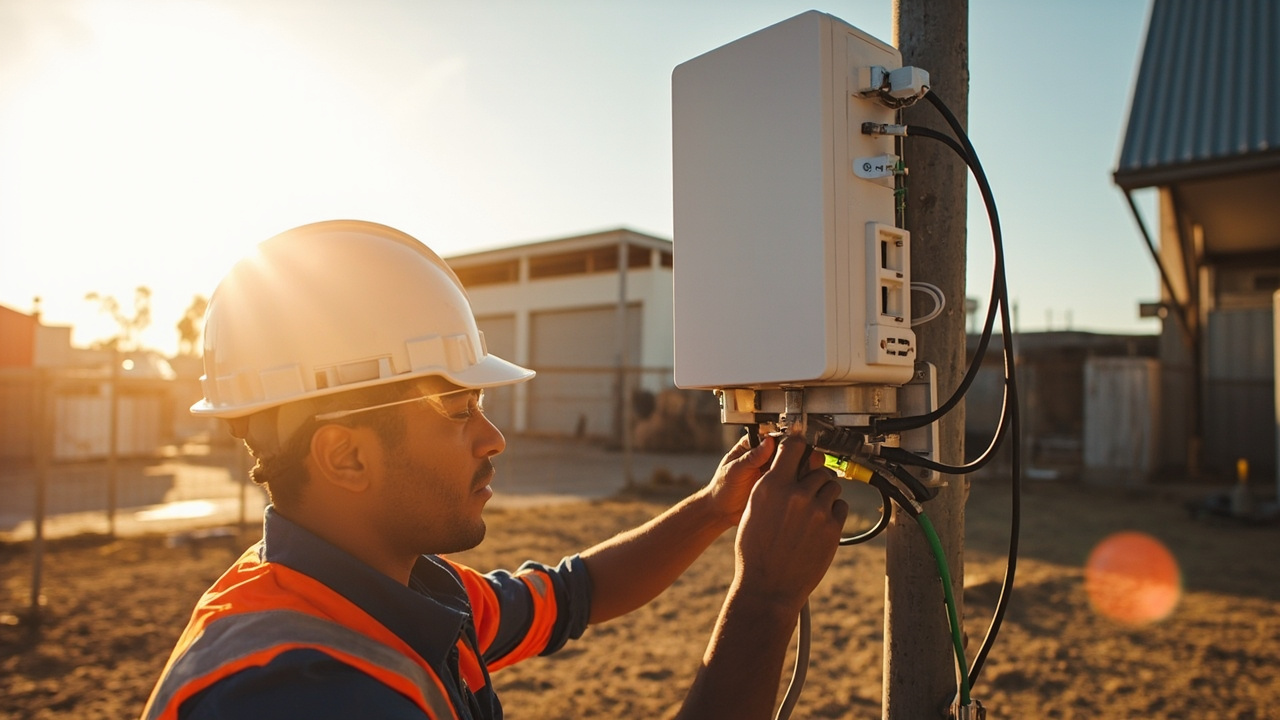
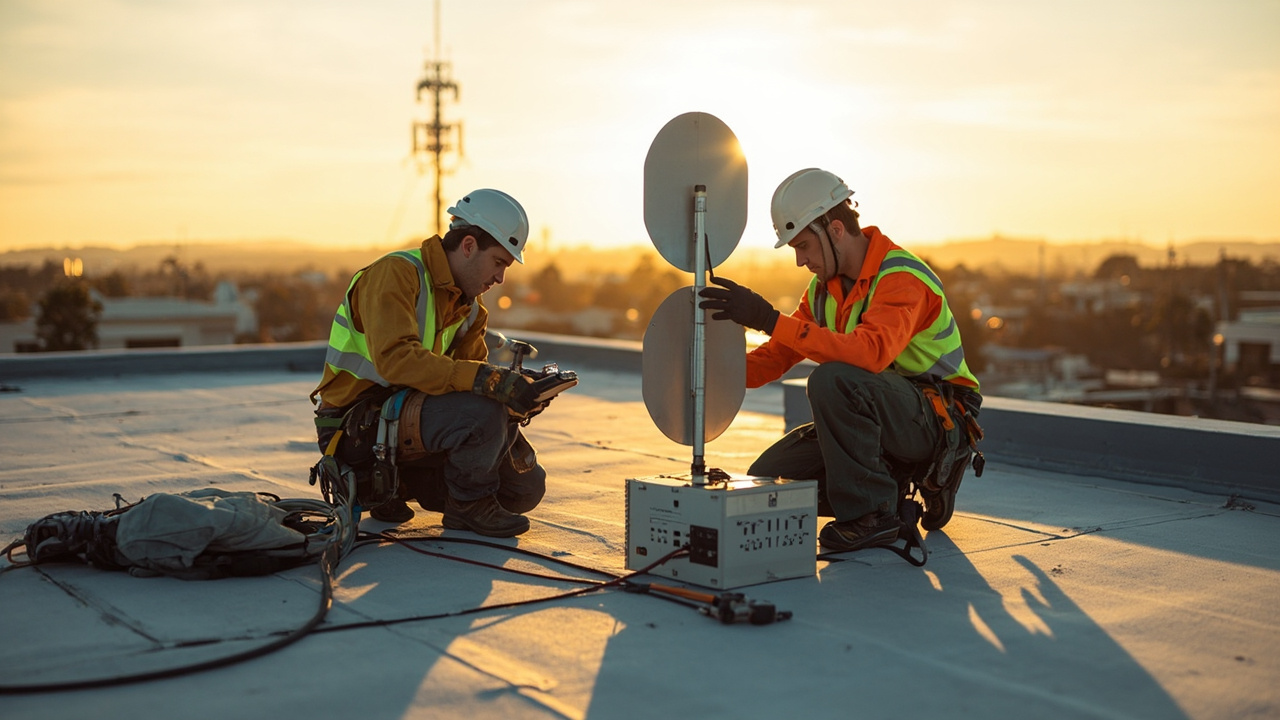
Router Setup APN and Configuration · 2026-08-21 Which mounting options and cable lengths work best for outdoor industrial routers?Outdoor installations benefit from using the approved mounting brackets and weatherproof connectors; choose a mounting method that minimizes cable strain and vibration. Keep antenna cables away from power lines and metal surfaces that can shield signals; maintain proper grounding and use right-angle connectors if needed; consult Comset for model-specific mounting and cable-length recommendations. We can advise on the right antenna, lead and mounting combin…
 12 Q&A
Comset Supply Support Warranty and Resellers
12 Q&A
Comset Supply Support Warranty and Resellers
 14 Q&A
Choosing an Industrial Router
14 Q&A
Choosing an Industrial Router
 8 Q&A
5G Industrial Routers
8 Q&A
5G Industrial Routers
 19 Q&A
4G LTE and 4GX Routers
19 Q&A
4G LTE and 4GX Routers
 10 Q&A
Dual SIM and Carrier Redundancy
10 Q&A
Dual SIM and Carrier Redundancy
Check the router's LEDs and logs for evidence of where the fault lies. Note which LEDs light during power-up, SIM detection and network registration, and review any status messages in the router logs. Sharing the observed LED states and log entries with Comset helps distinguish provisioning or APN issues from hardware or coverage problems. Collect basic context (which carrier, model and firmware) and whether the issue follows the SIM or stays with the hard…
Router Setup APN and Configuration · 2026-08-01 Do I need to enter the APN manually, or should the router connect automatically?Many services will connect automatically, but not all. Some carriers, private APNs and corporate services require the APN details to be entered deliberately. Even when the router can auto-detect, it is still worth checking the settings if the connection behaves oddly or fails to establish cleanly. Comset can usually tell from the service type whether the APN should be straightforward or whether special settings are expected. That is a much quicker path th…
Router Setup APN and Configuration · 2026-07-31 How do I connect an external antenna properly without damaging the router connectors?Start by matching the correct antenna ports, tightening connectors carefully rather than aggressively, and avoiding strain on the pigtails or router sockets. The cable route should be supported so that vibration and gravity are not constantly pulling on the connector. It is also worth checking whether the installation calls for all MIMO ports to be used as intended rather than leaving the system half-configured. Comset can normally advise on the right ant…
 3 Q&A
Outdoor Routers and Harsh Environments
3 Q&A
Outdoor Routers and Harsh Environments
 11 Q&A
Cellular Backup for NBN and Fixed WAN
11 Q&A
Cellular Backup for NBN and Fixed WAN
 3 Q&A
Load Balancing and Multi-WAN
3 Q&A
Load Balancing and Multi-WAN
 10 Q&A
Wi-Fi Ethernet and LAN Design
10 Q&A
Wi-Fi Ethernet and LAN Design
 6 Q&A
VPN Security and Private Connectivity
6 Q&A
VPN Security and Private Connectivity
Check the obvious things in order: is the SIM active, seated correctly and unlocked if required; is the APN correct; does the router support the carrier bands you need; and is the antenna arrangement sensible? A phone test proves that the service exists, but it does not prove that the router is configured correctly or that the site is suitable for the router’s antenna arrangement. Comset support is most effective when the customer can say what the router …
Router Setup APN and Configuration · 2026-07-07 What SIM, PIN, plan and carrier settings should be checked before troubleshooting the router hardware?Confirm that the SIM is active, inserted in the correct orientation and size, has no unhandled PIN lock, and is provisioned for data. Check the account has allowance or credit and that the plan supports the required APN, roaming, static/public addressing or private network service. Verify the carrier has not restricted the SIM to an approved device type and that the antenna ports are correctly connected before powering the modem. Test the SIM in a known-w…
Router Setup APN and Configuration · 2026-07-07 Which configuration checks should be completed in the workshop before an industrial router is sent to site?Insert and test the intended SIM, update only to an approved firmware version, change default credentials and save a configuration backup. Configure APN, time zone, WAN failover, dual SIM, LAN addressing, DHCP, VLANs, VPNs, alerts and remote-management access as required. Connect representative equipment and test every port, antenna, digital input or relay that will be used. Simulate WAN and mobile failures, verify recovery and confirm remote access from …