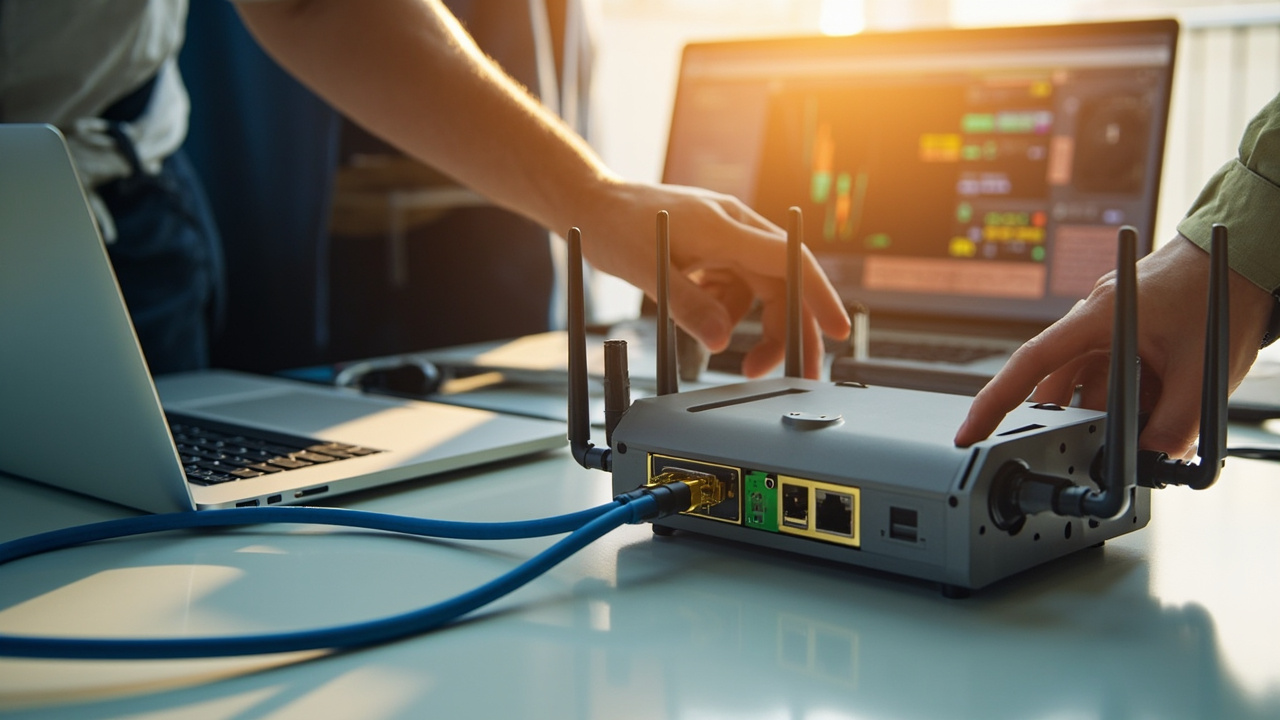
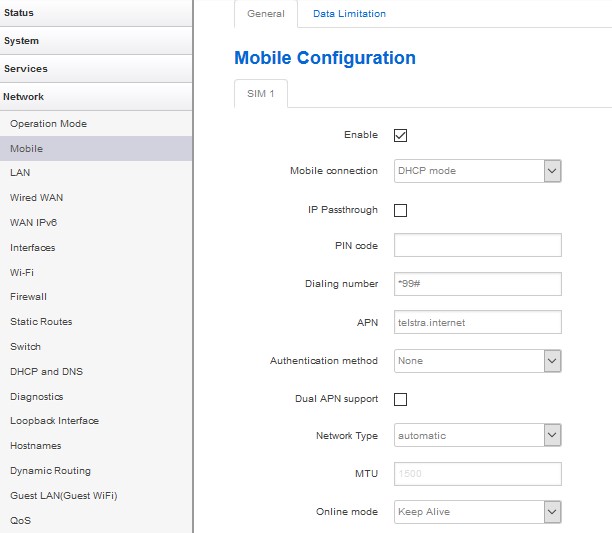
An incorrect APN may produce no data connection even though the router detects the SIM and shows mobile signal. The status page may show registration but no assigned IP address, repeated connection attempts, authentication errors or a connection that cannot reach the internet or private service.
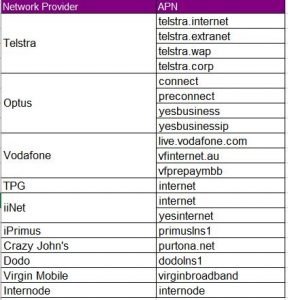
Check the carrier’s exact APN, username, password, authentication type and whether the SIM is intended for a public, corporate or private service. Remove accidental spaces and confirm that automatic APN selection has not chosen a consumer setting. If the SIM works in another device, compare the assigned network details rather than immediately blaming the router.
Public Q&A
What symptoms suggest that an incorrect APN is preventing a router from connecting?
Useful next steps
Use this answer as a practical starting point. Current scope, specifications, compatibility, availability, pricing, timing and next steps should be confirmed directly with Comset where they affect a decision.
Related Topics
Continue Through Related Topic Pages
Explore more topic pages connected to this answer.





Related visual examples
A short visual sample connected to this answer or its topic.