
Questions & Answers
Public Questions & Answers
The Conversation Around Comset
These pages turn the business source material into practical answers, comparisons, visual examples and confirmation points for people researching this business.
There aren’t universal numeric thresholds for RSRP, RSRQ and SINR that apply to all devices and networks. Each technology (4G/5G) and modem model has its own typical ranges. What matters most is how readings change over time and whether they meet your real-use needs. Use your device manual or Comset guidance to identify the target ranges for your specific hardware, then compare readings across time and locations rather than relying on a single snapshot. Pr…
Comset Supply Support Warranty and Resellers · 2026-10-18 What site details should I provide to keep a DIY install on track?For a self-install, the more you scope, the likelier you’ll pick the right hardware and avoid surprises. Start with a practical site picture: location, the installation type (fixed, vehicle, outdoor), and which mobile carriers or SIM types are available. Note the number of devices and the required interfaces (Ethernet, Wi-Fi, serial, GPIO/relay/PoE), plus power availability and the operating environment. If you’ll need remote access or business-continuity …
Security and Surveillance Connectivity · 2026-10-18 How should I plan data usage and choose a CCTV plan?Start with how many cameras you’ll have and whether each camera streams continuously or only on events. Estimate per-camera data use and multiply by the number of cameras to get a monthly figure; continuous high-definition video can run into hundreds of gigabytes per month, while event-based clips use much less. If you can, store video locally and push only substreams remotely to reduce uplink requirements, and factor in audio, firmware updates and user ac…
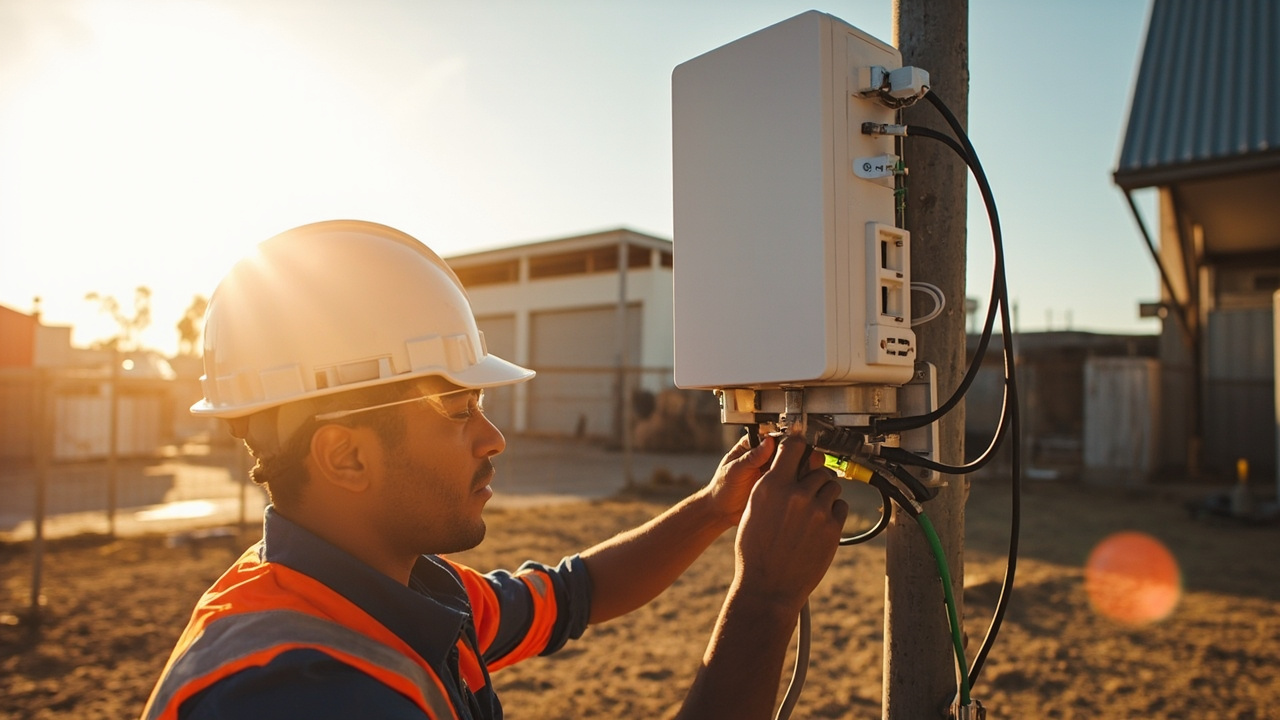 3 Q&A
Power over Ethernet Deployments
3 Q&A
Power over Ethernet Deployments
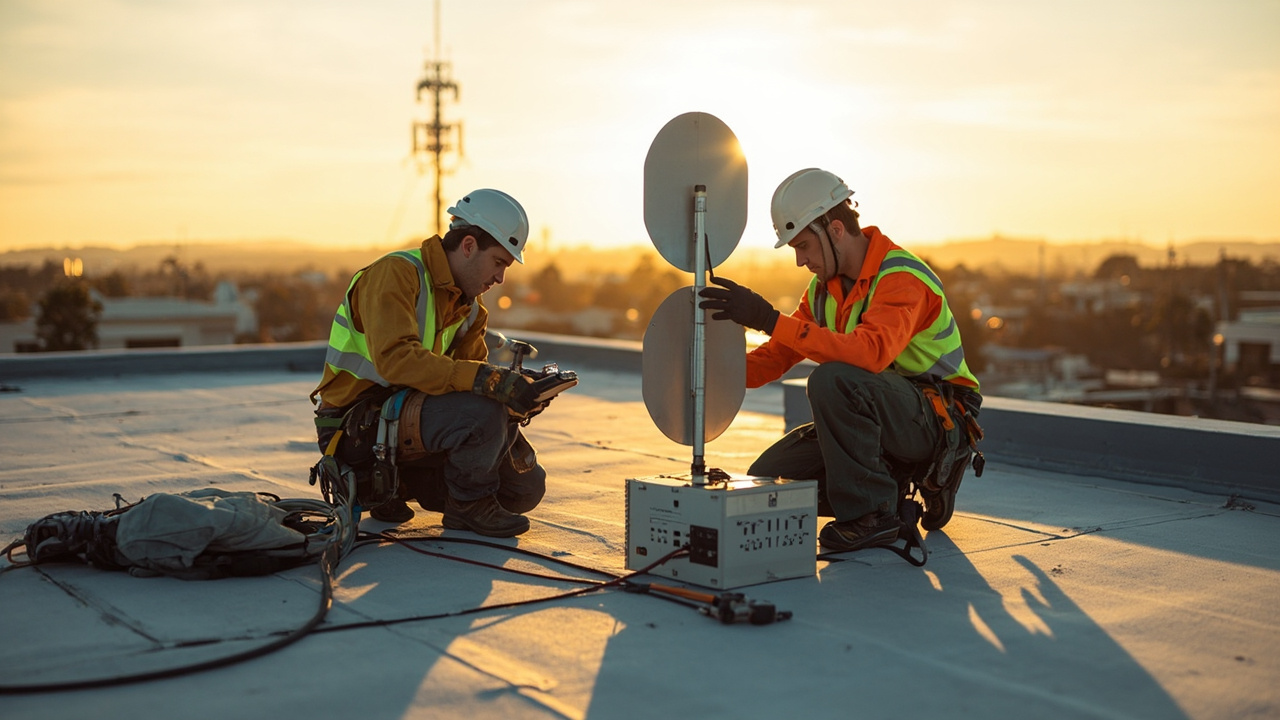 5 Q&A
Cellular Antennas and MIMO
5 Q&A
Cellular Antennas and MIMO
 3 Q&A
Antenna Placement and Coaxial Cable Loss
3 Q&A
Antenna Placement and Coaxial Cable Loss
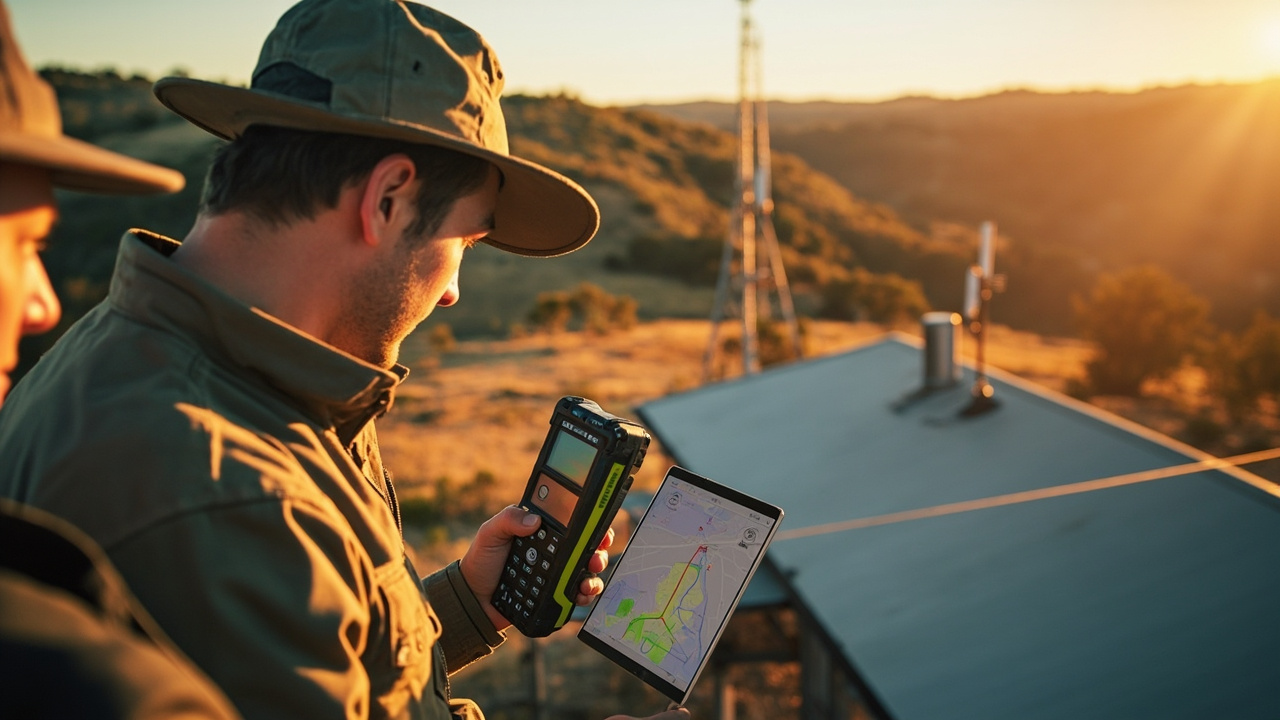 12 Q&A
Cell Tower Location and Signal Testing
12 Q&A
Cell Tower Location and Signal Testing
 5 Q&A
Australian Carrier Bands and Compatibility
5 Q&A
Australian Carrier Bands and Compatibility
Typically two different carriers provide the strongest redundancy because you avoid a single network outage affecting both SIMs. If both SIMs sit on the same network, you still gain some resilience for plan management and failover behavior, but the geography and core network diversity is limited. If you can’t get two carriers, we can design a resilient setup using the same-network SIMs by configuring health checks, failover timing, and preferred SIMs, and …
Router Comparison and Model Selection · 2026-10-17 Do I need 5G and redundancy, or is 4G enough?CM685V-6 is a 4G Cat 6 router, which suits many stable business and monitoring tasks. CM950W adds 5G capability and dual-SIM redundancy, aimed at higher availability and possible performance gains when 5G is available. The best choice depends on your site: check 5G coverage at the installation, whether you need automatic failover between SIMs, and your uptime goals. If 5G coverage is uncertain or uptime is critical, CM950W may be worth it; otherwise CM685V…
4G LTE and 4GX Routers · 2026-10-16 Which exact bands and interfaces should I check on a model for my site?To be sure a Cat 4 or Cat 6 model fits your site, verify the bands and hardware interfaces match your needs. Check the model’s official band list and the SIM service requirements to confirm Australian carrier support, and confirm available interfaces such as Ethernet ports, serial (RS-232/RS-485), GPIO or relay, plus VPN and remote management features. For many Australian deployments, Band 28 (700 MHz) is common, but you should verify the exact bands suppo…
 12 Q&A
Router Comparison and Model Selection
12 Q&A
Router Comparison and Model Selection
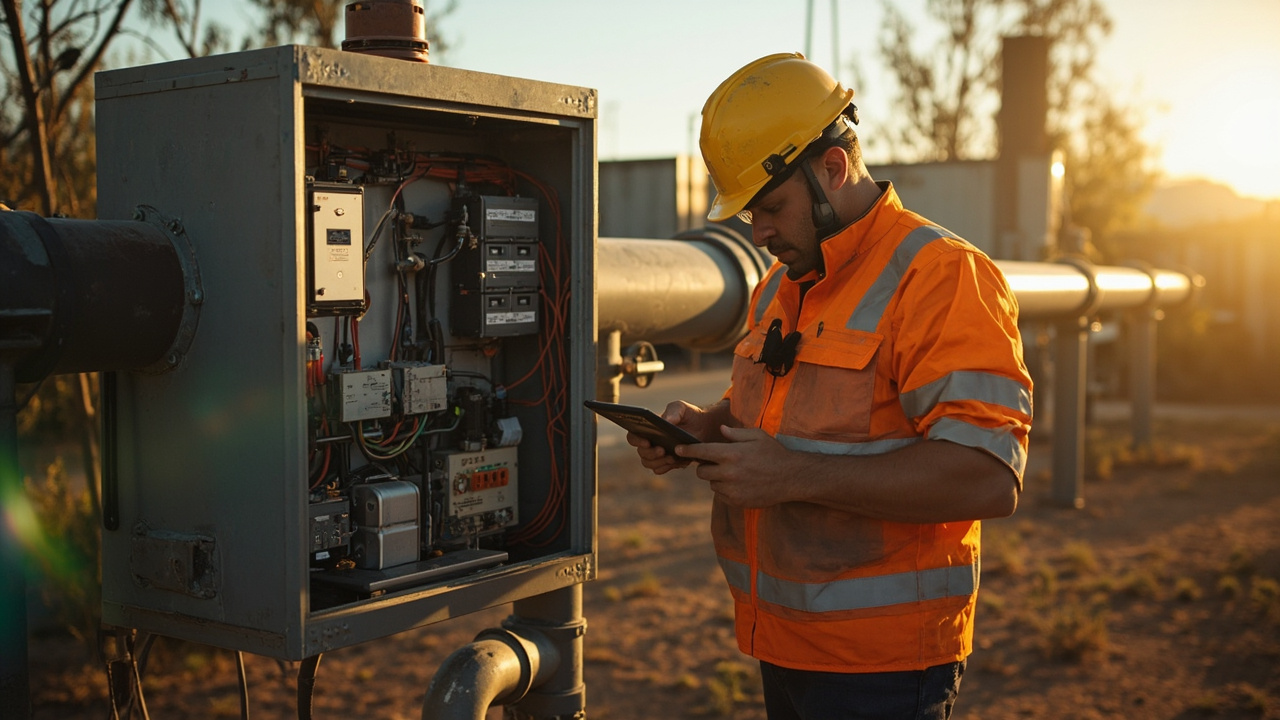 8 Q&A
Machine-to-Machine and IoT Connectivity
8 Q&A
Machine-to-Machine and IoT Connectivity
 10 Q&A
Industrial Automation Connectivity
10 Q&A
Industrial Automation Connectivity
 3 Q&A
Building Automation Connectivity
3 Q&A
Building Automation Connectivity
 8 Q&A
Security and Surveillance Connectivity
8 Q&A
Security and Surveillance Connectivity
RS-232 and RS-485 are different electrical standards; check the product manual for exact ports, pinouts, voltage levels and isolation so you don’t mix them up. Also confirm how many GPIOs are provided and whether a relay is supported, and verify these features are present in the current firmware and accessible from the device software. If you share your target models and the devices you need to connect, Comset can review the exact hardware interface list a…
Router Comparison and Model Selection · 2026-10-15 Can you share a quick requirements sheet I can use?Yes. We have a simple one-page requirements sheet you can fill out to guide model choices. It typically covers: installation type (fixed or mobile), available network (carrier and bands), required interfaces (LAN, Wi‑Fi, serial, GPIO, GPS, PoE), power and environmental limits, uptime/redundancy needs, and preferred remote management method. Using that sheet helps keep the shortlist practical rather than a list of specs. If you want, we can tailor a starter…
Firmware Diagnostics and Troubleshooting · 2026-10-15 What quick tests should I run first to triage speed?Start with a quick, controlled triage: verify the router is registered on the expected carrier and band, and capture current RSRP, RSRQ and SINR along with the serving cell ID. Then compare performance using a known-good antenna or a different router on the same SIM to see if the problem follows the hardware or the radio path. Review WAN health-check results, recent reboots, VPN status, and logs for errors. Do a short speed test at several times of day to …
 3 Q&A
Mining Energy and Remote Sites
3 Q&A
Mining Energy and Remote Sites
 5 Q&A
Transport Fleet and Mobile Deployments
5 Q&A
Transport Fleet and Mobile Deployments
 6 Q&A
Marine and Vessel Connectivity
6 Q&A
Marine and Vessel Connectivity
 4 Q&A
Environmental and Agricultural Monitoring
4 Q&A
Environmental and Agricultural Monitoring
 13 Q&A
Router Setup APN and Configuration
13 Q&A
Router Setup APN and Configuration
Whether you need backup-only or full-time internet depends on how critical the connection is. If outages would stop cameras, alarms, EFTPOS or other essential services, you’ll want a router designed for permanent operation with automatic failover and remote management. If the fixed service is usually reliable and outages are brief, a backup-only setup that automatically takes over can be enough. A practical way to decide is to map your uptime needs and lis…
4G LTE and 4GX Routers · 2026-10-14 What data usage figures would push me toward 4G instead of 5G for my site?The key is the actual data your application uses and how predictable that usage is. If your site mainly sends small telemetry messages, alarms or occasional remote management data, 4G can be sufficient, especially where uptime and reliability matter more than peak speed. If you have many devices or need higher capacity during busy periods, 5G may be warranted. To decide in practice, estimate daily data usage by multiplying the size of typical messages by t…
Industrial Automation Connectivity · 2026-10-13 Should I consider EMI shielding or a dedicated grounding bus when mounting inside an electrical cabinet?Yes. EMI from nearby power electronics and the cabinet's metal structure can affect router performance and signal quality. Plan for RF-friendly placement and adequate ventilation. Use a dedicated grounding point for the router and connected devices, and include transient protection (surge/ESD) close to the power input. Keep power cables away from data/antenna lines, and route cables to minimize noise. If you're unsure, Comset can review your cabinet layout…
 8 Q&A
Firmware Diagnostics and Troubleshooting
8 Q&A
Firmware Diagnostics and Troubleshooting
 12 Q&A
Comset Supply Support Warranty and Resellers
12 Q&A
Comset Supply Support Warranty and Resellers
 14 Q&A
Choosing an Industrial Router
14 Q&A
Choosing an Industrial Router
 8 Q&A
5G Industrial Routers
8 Q&A
5G Industrial Routers
 19 Q&A
4G LTE and 4GX Routers
19 Q&A
4G LTE and 4GX Routers
Yes. We can start from the information you have and provide a provisional quote based on clearly stated assumptions about the missing items. We’ll outline the assumptions (for example, carrier, 4G vs 5G, expected data use, interfaces, environment, and number of units) and spell out what still needs to be confirmed to finalize the kit. If some details aren’t available yet, we can proceed with a staged approach: a preliminary kit and quote now, followed by a…
4G LTE and 4GX Routers · 2026-10-12 How do I know if 4G is enough for my site, and when should I move to 5G?Start with what your site actually needs and what coverage is available there. If the site has reliable 4G coverage and the data use is modest (alarms, telemetry, basic remote monitoring), a well-chosen 4G/4GX router often meets the requirement with solid reliability and simple remote management. Consider 5G if you expect higher capacity, more devices, or stricter latency needs. Before moving, confirm the local carrier bands, test on site, and compare the …
4G LTE and 4GX Routers · 2026-10-11 Which bands should I confirm are supported at my site before choosing a router?The next step is to map your site to the carrier bands it will rely on. In Australia, Band 28 (700 MHz) is commonly used to improve reach and indoors, but the exact bands you need depend on the carrier and the site location. Check the exact router model’s band list and confirm it supports the bands used by your chosen carrier. If possible, test on-site with a live SIM to measure signal quality and throughput before committing. If you share your site locati…
 10 Q&A
Dual SIM and Carrier Redundancy
10 Q&A
Dual SIM and Carrier Redundancy
 3 Q&A
Outdoor Routers and Harsh Environments
3 Q&A
Outdoor Routers and Harsh Environments
 11 Q&A
Cellular Backup for NBN and Fixed WAN
11 Q&A
Cellular Backup for NBN and Fixed WAN
 3 Q&A
Load Balancing and Multi-WAN
3 Q&A
Load Balancing and Multi-WAN
 10 Q&A
Wi-Fi Ethernet and LAN Design
10 Q&A
Wi-Fi Ethernet and LAN Design
Set up a regular automated failover test plan that simulates the primary WAN outage and verifies that critical services stay online and remote management remains reachable over the cellular link. Make sure the backup SIM is active, has data, and uses the correct APN; check any external antennas are functioning. Implement health checks and alerts that log every failover event, notify the right people, and warn if failover happens too often or if traffic pat…
4G LTE and 4GX Routers · 2026-10-10 Tell me about your business and what services you offer?The practical way to assess 4G LTE and 4GX Routers is to start with the real need, then compare what is included, how it works, who it suits, what evidence supports it and which details still require direct confirmation from Comset. Industrial 4G LTE and 4GX router options for reliable business, machine-to-machine and remote-site connectivity where 5G is unnecessary, unavailable or uneconomic. The category covers LTE classes, Band 28, performance expectati…
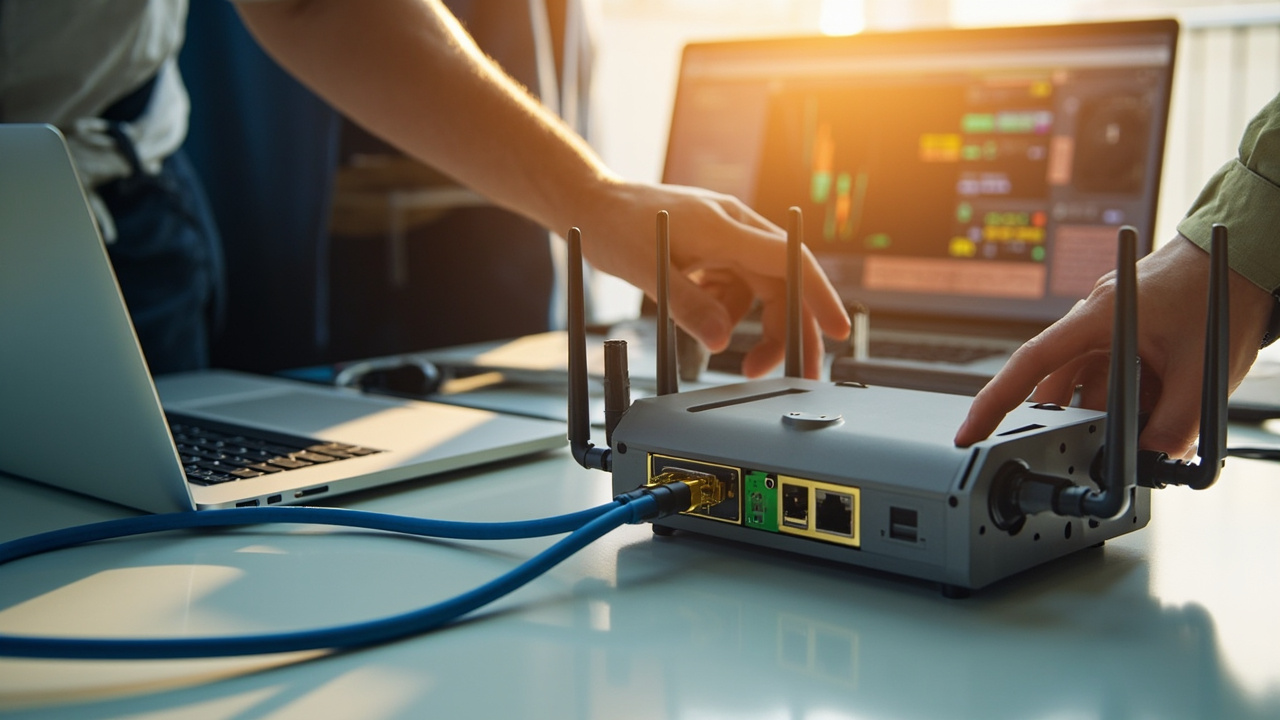
Router Setup APN and Configuration · 2026-10-10 Should I always use all MIMO ports, or can I run with a single antenna?You can run with a single antenna, but follow your model’s guide for which port to use. If the router is designed for MIMO, using only one port may reduce overall performance, so check the official guidance for your exact model and antenna combination. Also keep cables and connectors from being strained and avoid bending right at the connector. If you plan to use multiple antennas, use matched antennas and keep coax lengths similar to maintain balance. Rou…