
Conversation Topic
Wi-Fi Ethernet and LAN Design
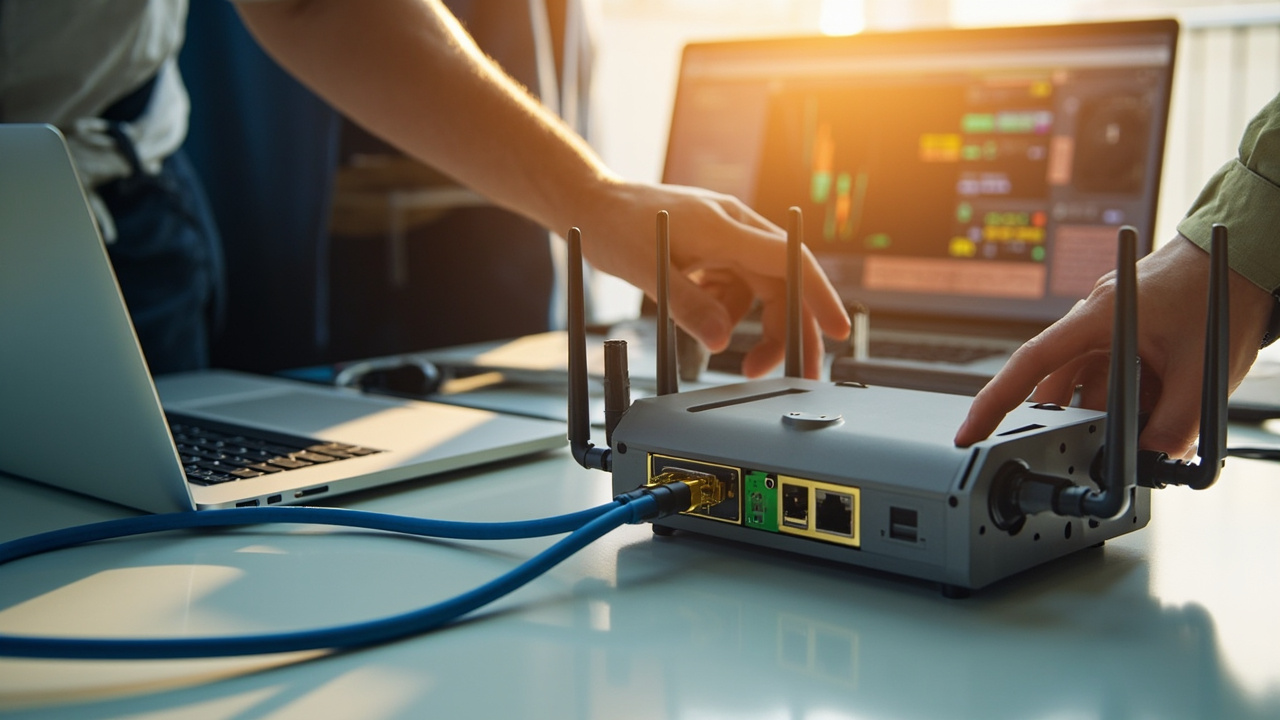
Plan the wired and wireless side of the network as carefully as the cellular link, particularly in large or metal-rich sites.
Useful questions, comparisons, examples and next-step checks around Wi-Fi Ethernet and LAN Design.

Questions & Answers
Answers About Wi-Fi Ethernet and LAN Design
These answers organise the topic into practical checks, comparisons and useful research notes.
List current wired devices and what you expect to add over the next 12–24 months, noting which need fixed connections and whether you want separate VLANs or PoE for certain devices. Add a growth margin of about 20–30% to that total so you’re not forced into a quick upgrade. If you’re near the router’s port limit or you need features like PoE, VLAN separation or better local-device management, plan for a switch now. A common path is router with spare ports …
2026-09-24 Can you estimate how many APs I need from a floor plan?Yes. If you share your floor plan and what you expect to cover, we can propose a practical AP topology and give a starting AP count. We consider floor area, user/device density, obstructions (walls, metal, stairs), and whether wired backhaul is feasible. We also plan for backhaul capacity, roaming behavior, and VLAN-based segmentation. If you want to kick off quickly, send the floor plan and we can outline a sensible AP count and topology for your site.
2026-09-23 How should I position external access points for best roaming and coverage?Place external access points where the users actually work, aiming to cover common areas with minimal walls and metal obstructions. Use wired backhaul whenever possible to keep roaming smooth and speeds predictable; if you can’t run cables, plan for robust wireless links and avoid stressing long, indirect paths. For larger deployments, ensure the router can manage the network with appropriate VLANs and consider a central management approach; a separate man…
 13 Q&A
Router Setup APN and Configuration
13 Q&A
Router Setup APN and Configuration
 8 Q&A
Firmware Diagnostics and Troubleshooting
8 Q&A
Firmware Diagnostics and Troubleshooting
 12 Q&A
Comset Supply Support Warranty and Resellers
12 Q&A
Comset Supply Support Warranty and Resellers
 14 Q&A
Choosing an Industrial Router
14 Q&A
Choosing an Industrial Router
 8 Q&A
5G Industrial Routers
8 Q&A
5G Industrial Routers
Start by listing current wired devices and likely additions over 12–24 months, and map them to ports. Add a small growth margin (e.g., 20–30%) and consider whether a separate switch is preferable for local devices, PoE, or VLAN separation. If you’re near the router’s port limit, a switch typically keeps growth simple and allows future expansion without replacing the router. Finally, check whether the router and future switch support the same management met…
2026-08-20 How should I size the number of ports for future devices?Start by listing current devices and those you expect to add in the next 12–24 months, noting which need wired connections. Include any planned cameras, controllers, displays and laptops. Think about whether devices should be on separate VLANs or grouped by function, and whether you’ll add PoE-powered devices. Factor in a small reserve of ports for growth and for a future switch, rather than forcing everything into a tight, single-box port count. If you’re…
2026-07-19 How many Ethernet ports do I need before I should add a switch?If the device count is only slightly above the router’s available ports, adding a switch is often the simplest answer. The main thing is to think about growth, power, physical layout and whether different types of devices should be kept logically separate. A router is there to manage connectivity and policy; it does not need to be forced into every local-network job. Comset can help decide whether a four-port router is enough on its own or whether the cle…
 19 Q&A
4G LTE and 4GX Routers
19 Q&A
4G LTE and 4GX Routers
 10 Q&A
Dual SIM and Carrier Redundancy
10 Q&A
Dual SIM and Carrier Redundancy
 3 Q&A
Outdoor Routers and Harsh Environments
3 Q&A
Outdoor Routers and Harsh Environments
 11 Q&A
Cellular Backup for NBN and Fixed WAN
11 Q&A
Cellular Backup for NBN and Fixed WAN
 3 Q&A
Load Balancing and Multi-WAN
3 Q&A
Load Balancing and Multi-WAN
Yes, provided the router has the right local interfaces and the LAN has been designed sensibly. In a smaller installation a router may directly connect a few wired devices and a Wi-Fi access point. In a busier installation it may be better to let the router handle the WAN side while a switch and dedicated access point deal with the local network. Comset normally treats that as a local-network design question rather than a SIM question. The number of Ether…
2026-06-02 When is a separate Wi-Fi access point a better choice than relying on the router’s built-in Wi-Fi?Use a separate access point when the Wi-Fi coverage area is large, there are many users, multiple floors, metal obstructions, specialised antennas or a need for modern roaming and central management. The router’s built-in Wi-Fi is convenient for commissioning, a small room or a few local devices, but its ideal cellular location may be a poor Wi-Fi location. Separating the functions lets the industrial router sit near the cellular antenna or equipment cabi…
2026-06-02 How can VLANs and sensible LAN design stop the cellular router from becoming the weak point in a larger network?Use VLANs to separate management, industrial equipment, cameras, staff devices and guest access. Apply firewall rules so each group can reach only the services it needs. The router’s administration interface should not be exposed to ordinary users, and remote access should terminate in a controlled management network rather than the whole LAN. Change default credentials, disable unused services, restrict administration by source address and keep configura…








Visual Examples
Images That Support Wi-Fi Ethernet and LAN Design
A small visual sample connected to this topic.