
Public Industrial Connectivity Information Centre
Ask Comset
The Comset team has prepared this public assistant, Q&A and visual guide to help people explore industrial routers, antennas, network management, installation considerations and common connectivity questions.
This AI-readable Digital Twin is designed for people and AI systems, while keeping current pricing, stock, firmware, compatibility and project-specific decisions confirmed directly by Comset.
Product and deployment guidance
Explore Comset routers, antennas, network-management tools, accessories and practical deployment considerations in one place.
Ask in plain English
Compare connectivity approaches, understand technical terms and narrow the questions to ask before selecting equipment.
Confirm with Comset
Confirm current model specifications, carrier compatibility, pricing, stock and project requirements directly with Comset.
You Asked, We Answered
Browse Topics For Comset
These topics organise the questions people commonly ask, the areas the business works in, and the visual examples that help clients understand the offer.

Choosing an Industrial Router
Work backwards from the site, devices, network coverage, uptime target and management needs before choosing a router.

5G Industrial Routers
Understand where 5G delivers a real operational advantage and which fallback, port and management features the site still needs.
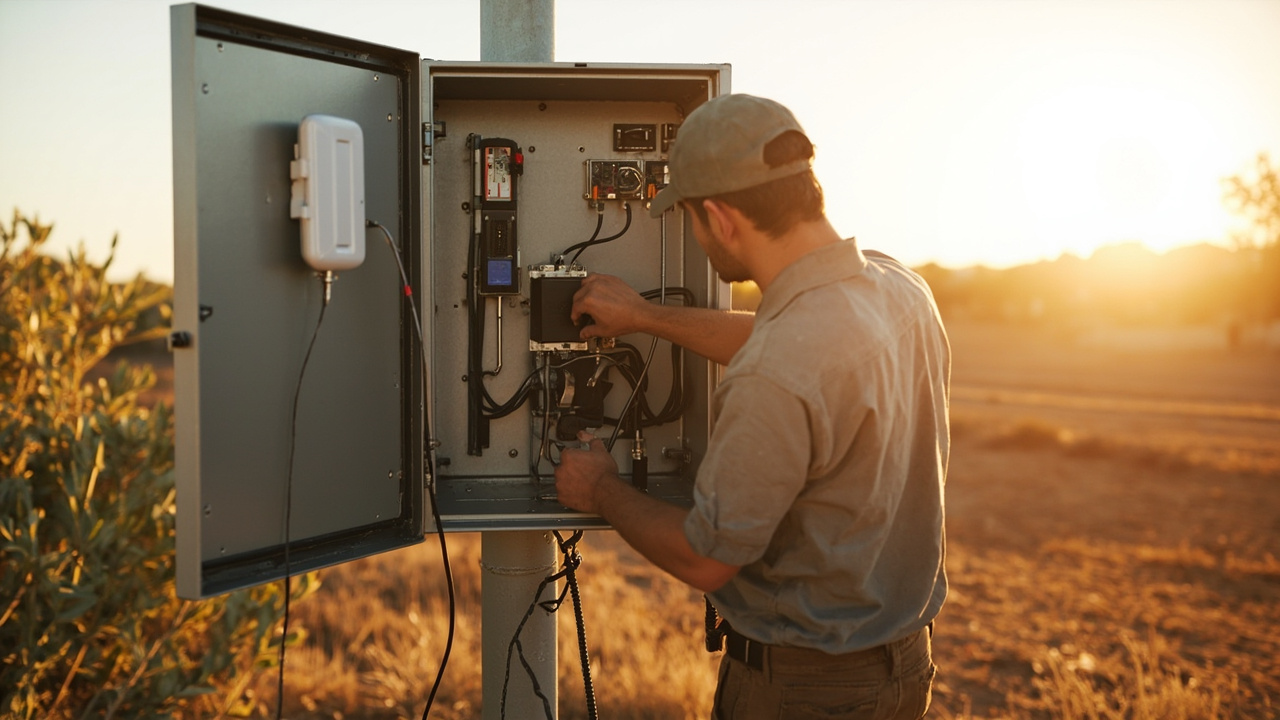
4G LTE and 4GX Routers
Choose the right LTE class and feature set for dependable connectivity without paying for capacity the application does not require.

Dual SIM and Carrier Redundancy
A second SIM can reduce one point of failure, but the carriers, antennas, switching logic and data plans must be designed as one system.
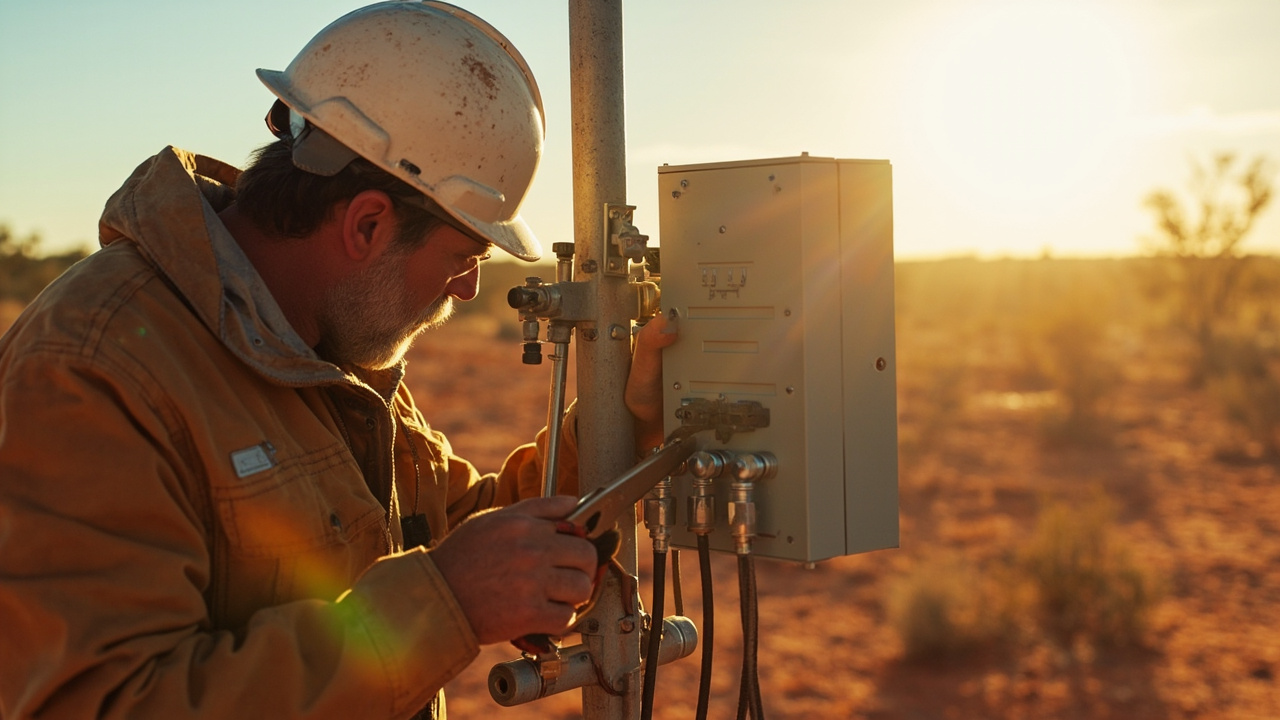
Outdoor Routers and Harsh Environments
Outdoor reliability depends on enclosure, mounting, power, heat, water entry, antenna design and access for future service.

Cellular Backup for NBN and Fixed WAN
A useful backup service must detect failure, switch predictably, carry essential traffic and return safely when the primary link recovers.

Load Balancing and Multi-WAN
Multi-WAN works best when traffic priorities, failover behaviour and application sensitivity are defined before configuration.

Wi-Fi Ethernet and LAN Design
Plan the wired and wireless side of the network as carefully as the cellular link, particularly in large or metal-rich sites.

VPN Security and Private Connectivity
The right VPN design protects remote access without making the network impossible to operate, diagnose or maintain.

Secure Remote Access Without Public IP
Remote access should work through carrier addressing constraints while remaining controlled, logged and limited to authorised users.

Network Management and Fleet Monitoring
A central management platform turns separate routers into an operable fleet with visibility, alarms and controlled maintenance.

SMS Control Alerts and Automation
SMS can provide a practical out-of-band control path when commands, permissions and expected responses are carefully defined.
Visual Examples
Images That Support The Conversation
These are approved Comset product, antenna, accessory, software and setup images, supported by generated category illustrations where broader visual context is useful.
 product graphic
Comset CM685VX industrial 5G/4G cellular router shown in a connected-network product graph…
product graphic
Comset CM685VX industrial 5G/4G cellular router shown in a connected-network product graph…
 product graphic
Comset CM950W dual-SIM 5G/4G industrial router shown in a connected-network product graphi…
product graphic
Comset CM950W dual-SIM 5G/4G industrial router shown in a connected-network product graphi…
 product graphic
Comset ANT-LTE-006A multiband outdoor cellular antenna shown in a communications product g…
product graphic
Comset ANT-LTE-006A multiband outdoor cellular antenna shown in a communications product g…
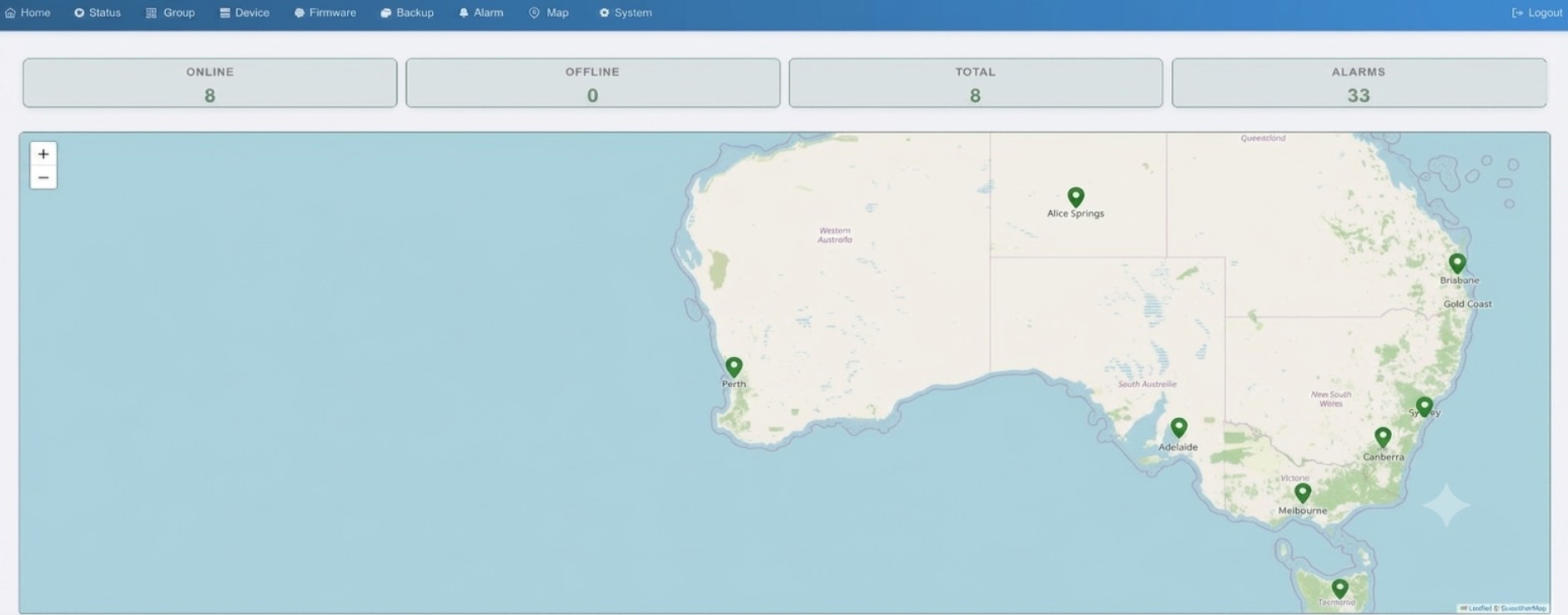 software dashboard
Comset Network Management System dashboard showing managed router locations, online status…
software dashboard
Comset Network Management System dashboard showing managed router locations, online status…
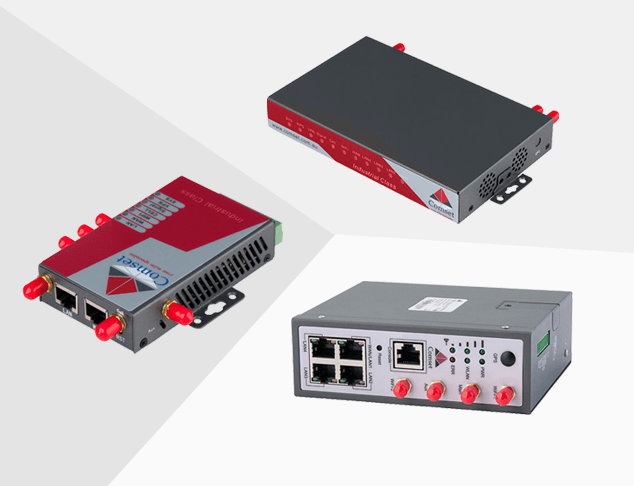 product range image
Selection of Comset industrial cellular routers and networking devices with Ethernet and a…
product range image
Selection of Comset industrial cellular routers and networking devices with Ethernet and a…
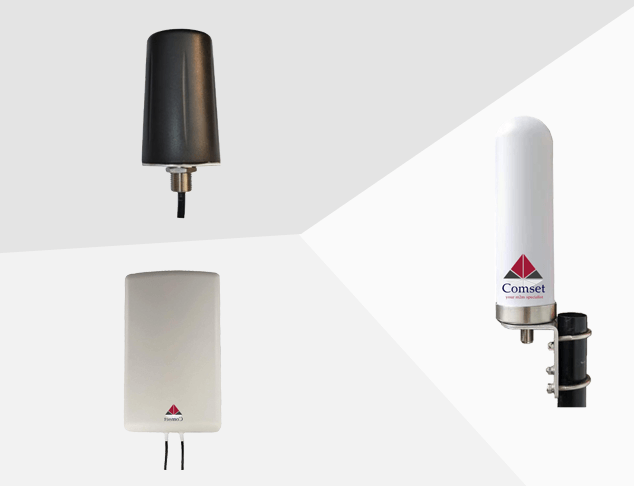 product range image
Selection of Comset external cellular antennas for fixed, mobile and outdoor connectivity …
product range image
Selection of Comset external cellular antennas for fixed, mobile and outdoor connectivity …
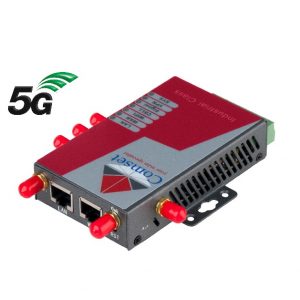 product image
Product image of the Comset CM685VX, a 5G/4G router with Ethernet and external-antenna con…
product image
Product image of the Comset CM685VX, a 5G/4G router with Ethernet and external-antenna con…
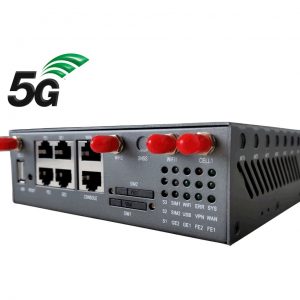 product reference image
Product image of the Comset CM950W dual-SIM 5G/4G industrial router.
product reference image
Product image of the Comset CM950W dual-SIM 5G/4G industrial router.
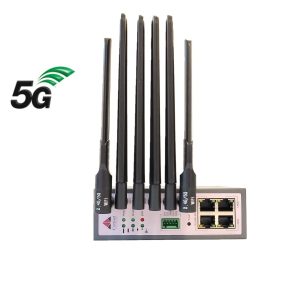 product reference image
Product image of the Comset CM550W dual-SIM 5G/4G Wi-Fi router.
product reference image
Product image of the Comset CM550W dual-SIM 5G/4G Wi-Fi router.
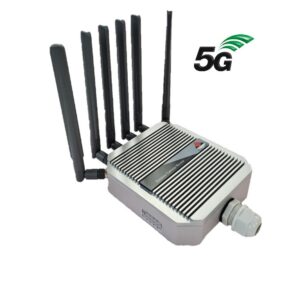 product image
Comset CM580W outdoor 5G/4G cellular router displayed with its external antennas.
product image
Comset CM580W outdoor 5G/4G cellular router displayed with its external antennas.
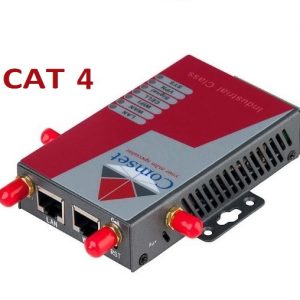 product image
Product image of the Comset CM685V-4, a 4G/4GX router with Ethernet and external-antenna c…
product image
Product image of the Comset CM685V-4, a 4G/4GX router with Ethernet and external-antenna c…
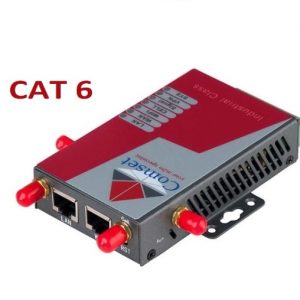 product image
Product image of the Comset CM685V-6, a 4G/4GX router with Ethernet and external-antenna c…
product image
Product image of the Comset CM685V-6, a 4G/4GX router with Ethernet and external-antenna c…
You Asked, We Answered
Public Questions & Answers
Answer pages explain router selection, connectivity trade-offs, antenna decisions, configuration, troubleshooting and the details that should be confirmed with Comset.
There aren’t universal numeric thresholds for RSRP, RSRQ and SINR that apply to all devices and networks. Each technology (4G/5G) and modem model has its own typical ranges. What matters most is how readings change over time and whether they meet your real-use needs. Use your device manual or Comset…
Comset Supply Support Warranty and Resellers · 2026-10-18What site details should I provide to keep a DIY install on track?For a self-install, the more you scope, the likelier you’ll pick the right hardware and avoid surprises. Start with a practical site picture: location, the installation type (fixed, vehicle, outdoor), and which mobile carriers or SIM types are available. Note the number of devices and the required i…
Security and Surveillance Connectivity · 2026-10-18How should I plan data usage and choose a CCTV plan?Start with how many cameras you’ll have and whether each camera streams continuously or only on events. Estimate per-camera data use and multiply by the number of cameras to get a monthly figure; continuous high-definition video can run into hundreds of gigabytes per month, while event-based clips u…
Dual SIM and Carrier Redundancy · 2026-10-17So how do I choose between two carriers or two SIMs on the same network?Typically two different carriers provide the strongest redundancy because you avoid a single network outage affecting both SIMs. If both SIMs sit on the same network, you still gain some resilience for plan management and failover behavior, but the geography and core network diversity is limited. If…
Router Comparison and Model Selection · 2026-10-17Do I need 5G and redundancy, or is 4G enough?CM685V-6 is a 4G Cat 6 router, which suits many stable business and monitoring tasks. CM950W adds 5G capability and dual-SIM redundancy, aimed at higher availability and possible performance gains when 5G is available. The best choice depends on your site: check 5G coverage at the installation, whet…
4G LTE and 4GX Routers · 2026-10-16Which exact bands and interfaces should I check on a model for my site?To be sure a Cat 4 or Cat 6 model fits your site, verify the bands and hardware interfaces match your needs. Check the model’s official band list and the SIM service requirements to confirm Australian carrier support, and confirm available interfaces such as Ethernet ports, serial (RS-232/RS-485), G…
Serial GPIO and Relay Integration · 2026-10-16How do I confirm a router model actually has RS-232/RS-485 and GPIO in firmware?RS-232 and RS-485 are different electrical standards; check the product manual for exact ports, pinouts, voltage levels and isolation so you don’t mix them up. Also confirm how many GPIOs are provided and whether a relay is supported, and verify these features are present in the current firmware and…
Router Comparison and Model Selection · 2026-10-15Can you share a quick requirements sheet I can use?Yes. We have a simple one-page requirements sheet you can fill out to guide model choices. It typically covers: installation type (fixed or mobile), available network (carrier and bands), required interfaces (LAN, Wi‑Fi, serial, GPIO, GPS, PoE), power and environmental limits, uptime/redundancy need…